Student forms / form1-browse
form1-browse
Browse the courses of QAFE_FORM1: WHEN-NEW-FORM-INSTANCE sets :GLOBAL.USER_ID and queries COURSE; the smartbar's Next Record and Previous Record move through the single-record block.
Three runs from a fresh database gave byte-identical diffs. Behaviour that looks odd in the migrated app but is the original's: faithful to the original and waivers. Files: scenario, golden record, target record, diff (JSON).
Scenario steps
Items are addressed by their Forms name (BLOCK.ITEM[row]), the same name in the
original and, through the mapping, in the migrated app.
| # | Step | Action | Checked on the original |
|---|---|---|---|
| 0 | Open form QAFE_FORM1 | ||
| 1 | next | Click Toolbar.Next Record | |
| 2 | next again | Click Toolbar.Next Record | |
| 3 | previous | Click Toolbar.Previous Record |
Screens, step by step
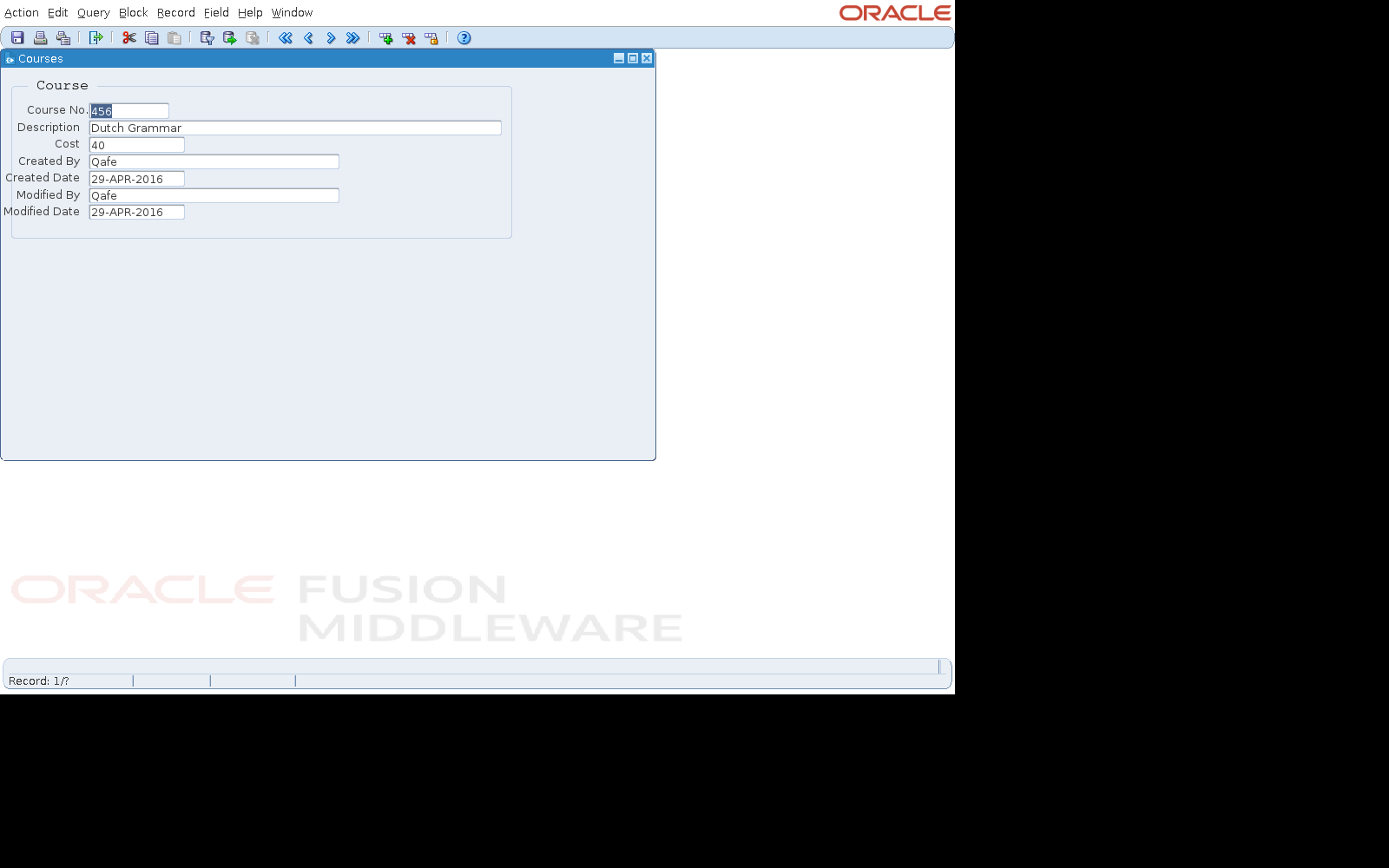
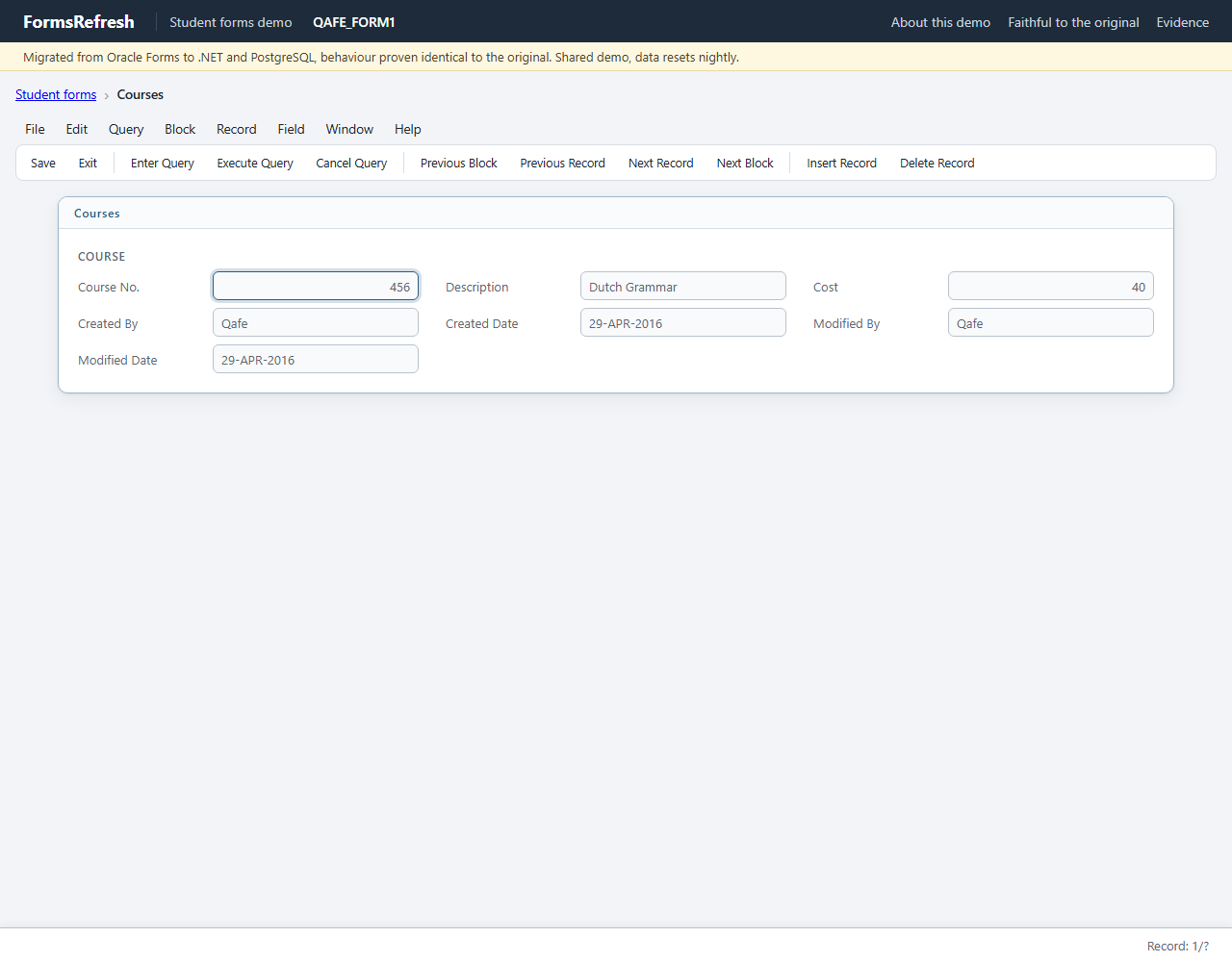
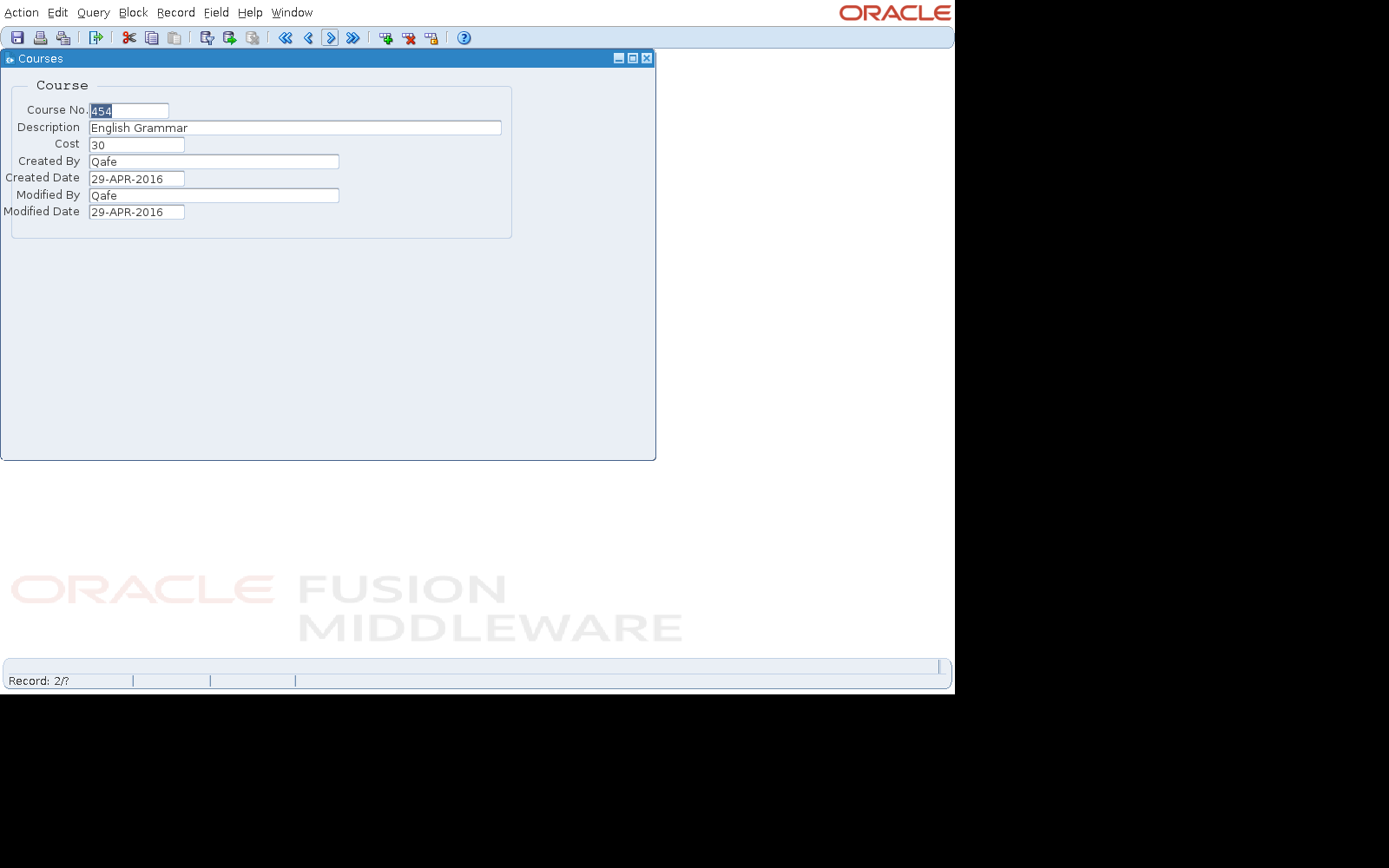
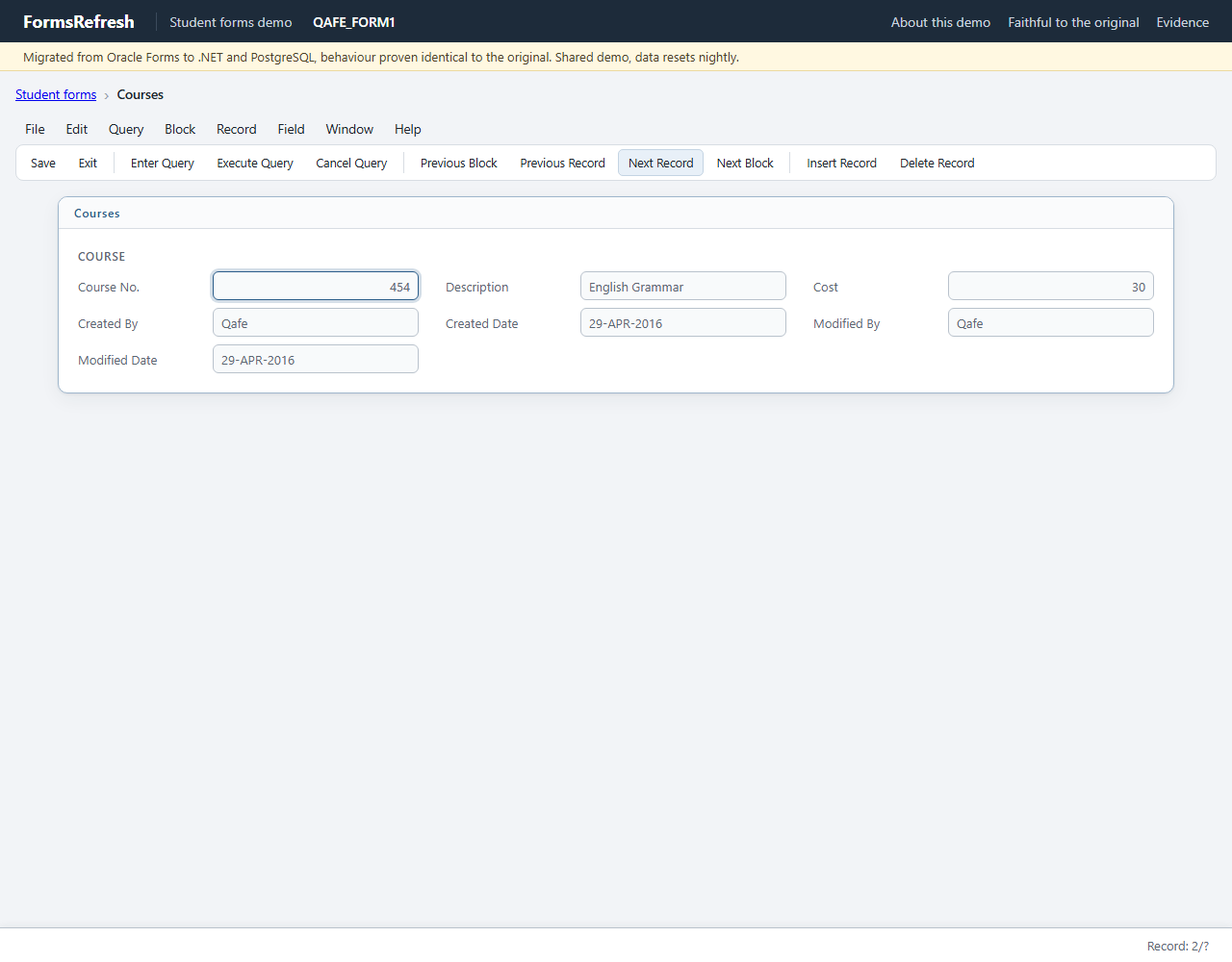
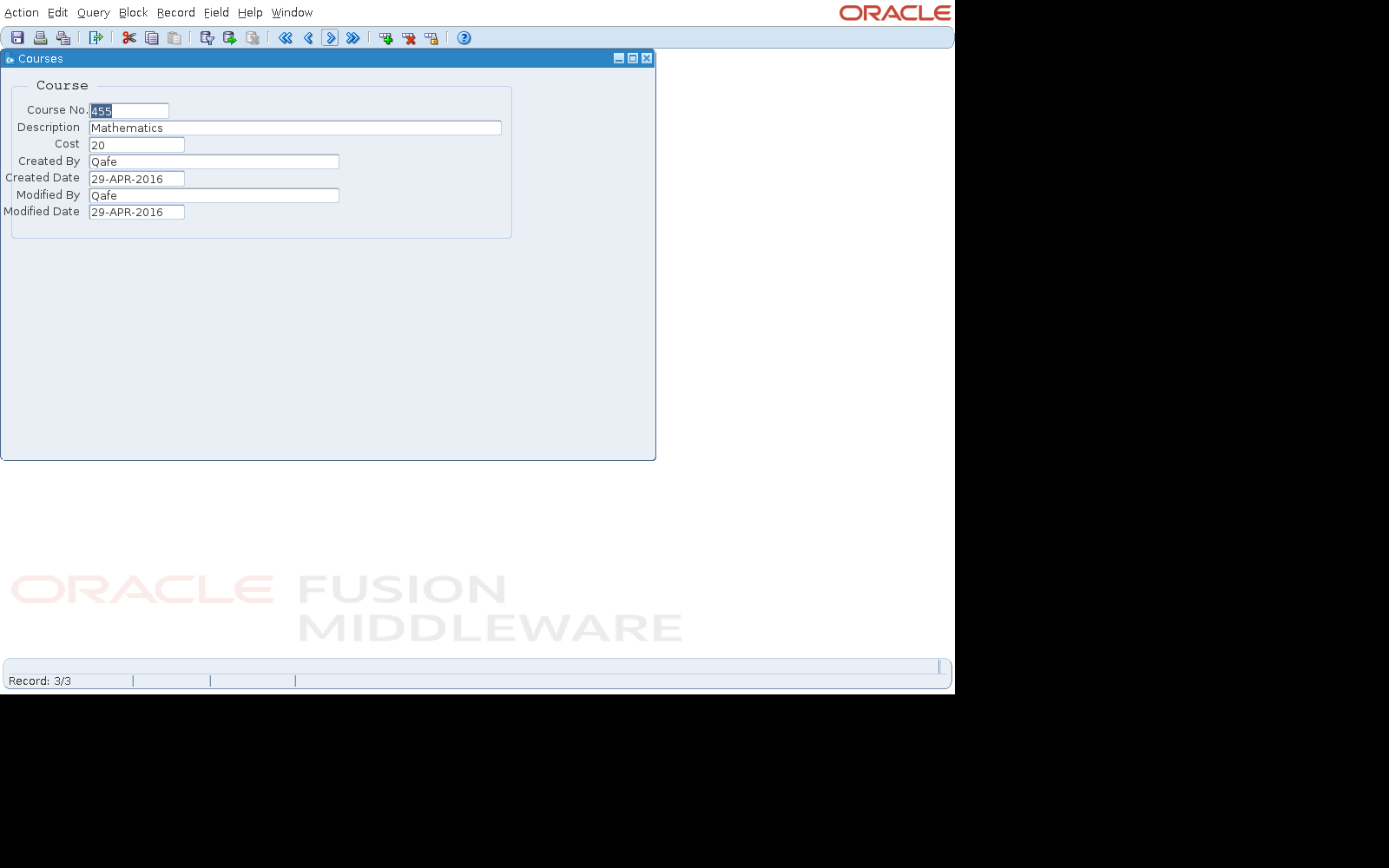
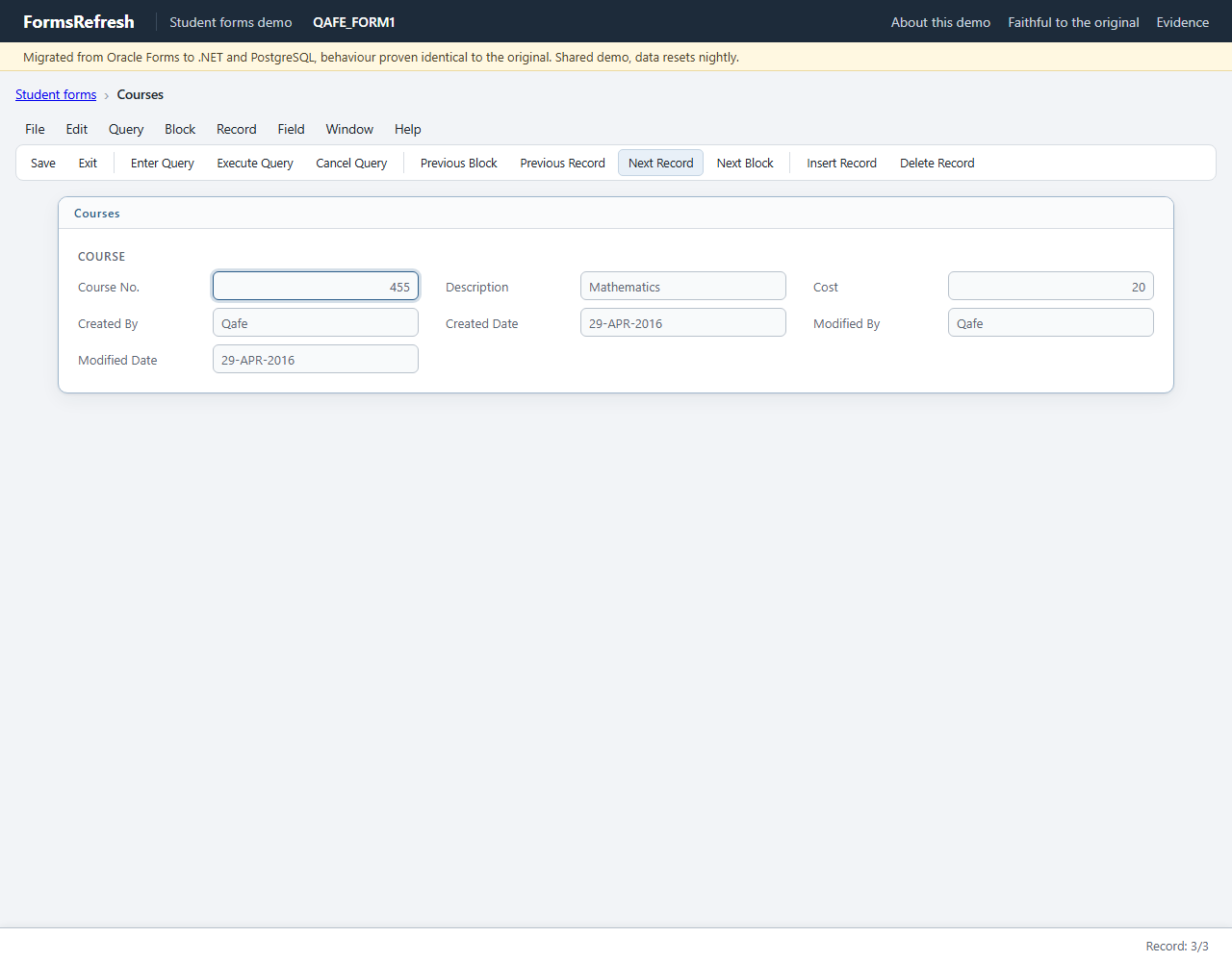
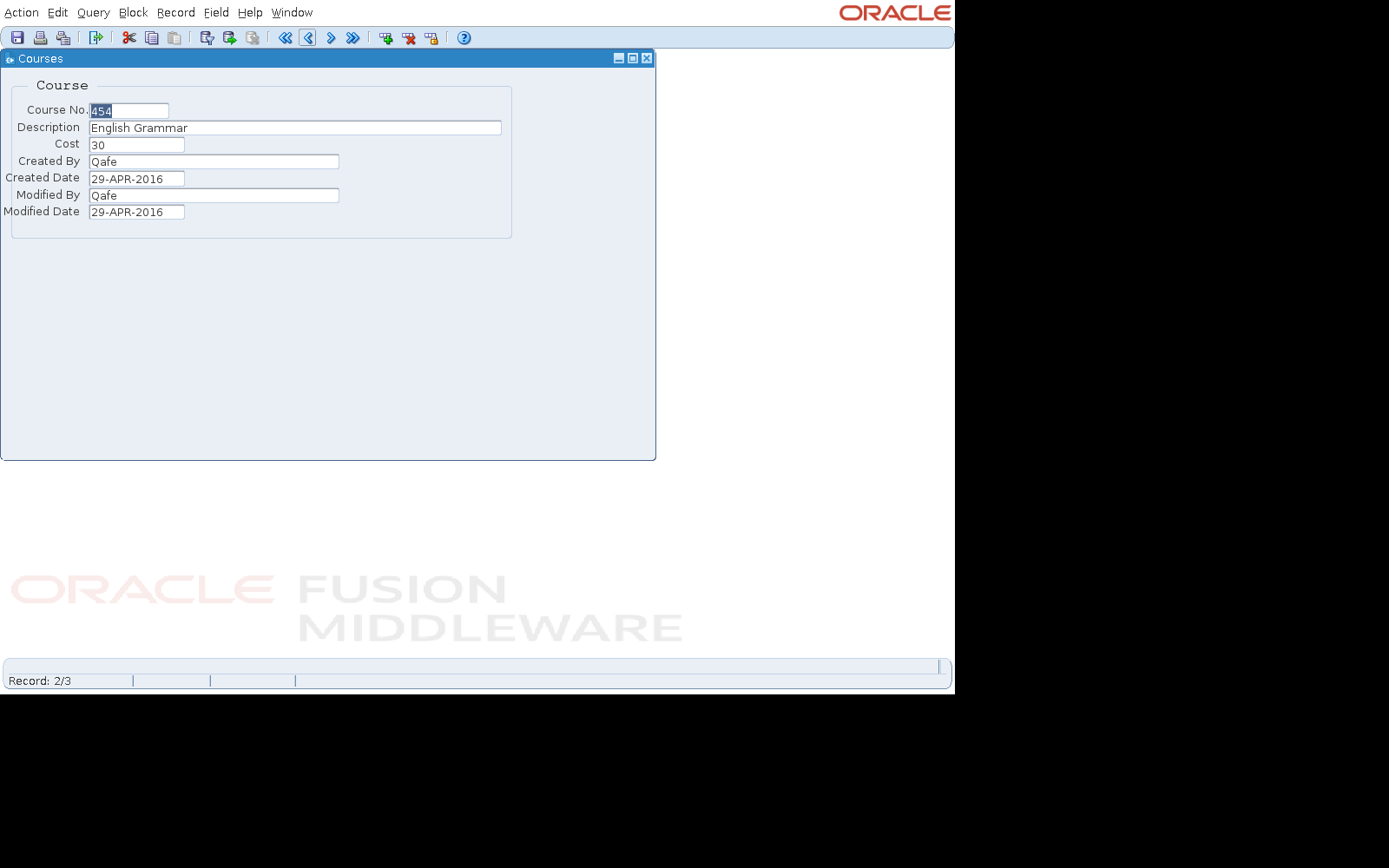
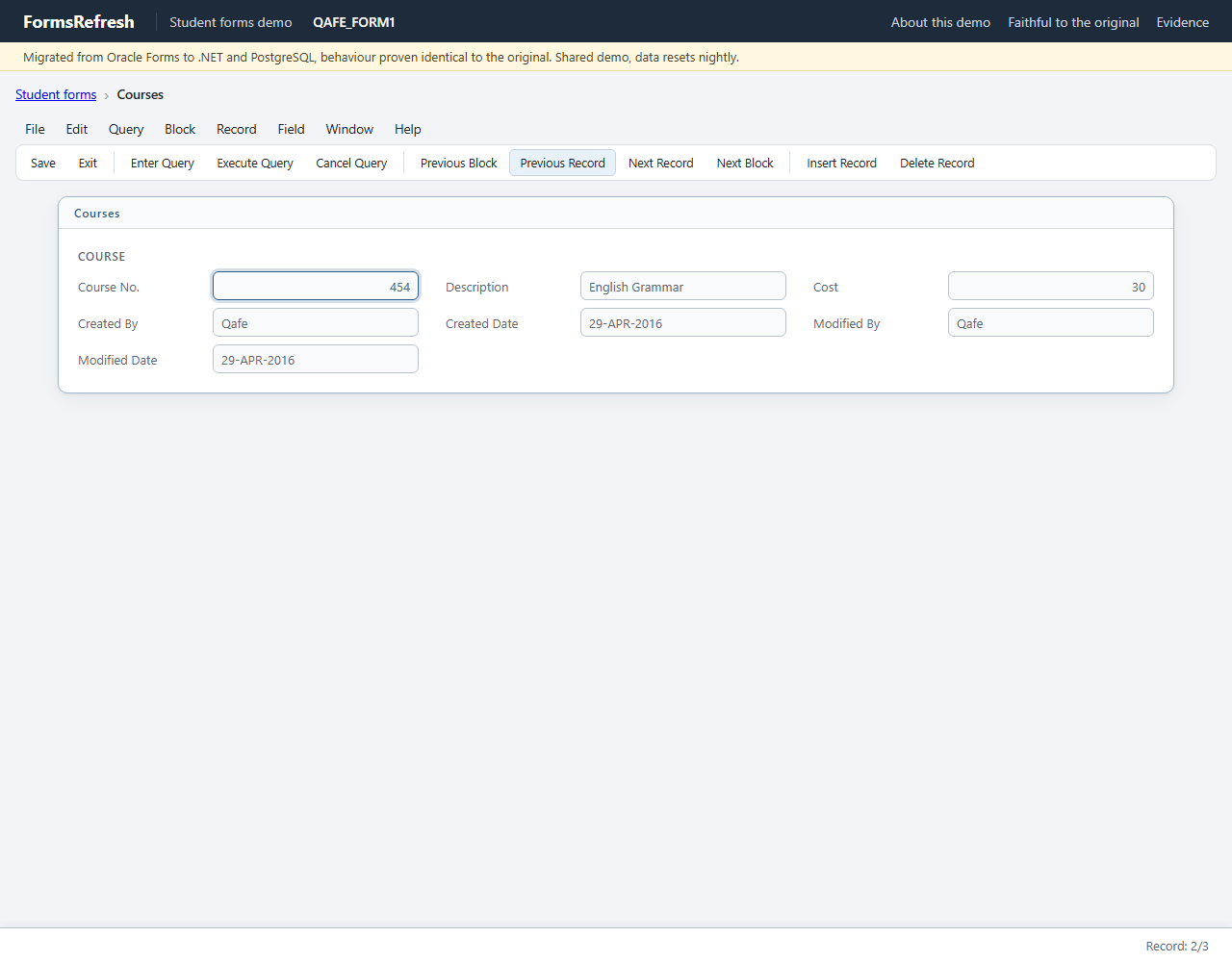
Left: the original Oracle Forms application, recorded on a virtual display. Right: the migrated application in headless Chromium. Screenshots are evidence only; the comparison works on the recorded values.
Step 0: open QAFE_FORM1
Step 1: next
Step 2: next again
Step 3: previous
Golden record of the original
After each step: the focus, the displayed values that changed, the message line and any alert. The full record (every item of every step, windows, lists of values) is in the JSON file.
| # | Step | Action (by name) | Focus after | Displayed values that changed | Message line | Alert | Expect |
|---|---|---|---|---|---|---|---|
| 0 | Open form QAFE_FORM1 | COURSE.COURSE_NO[0] | COURSE.COST[0] = 40COURSE.COURSE_NO[0] = 456COURSE.CREATED_BY[0] = QafeCOURSE.CREATED_DATE[0] = 29-APR-2016COURSE.DESCRIPTION[0] = Dutch GrammarCOURSE.MODIFIED_BY[0] = QafeCOURSE.MODIFIED_DATE[0] = 29-APR-2016 | ||||
| 1 | next | Click Toolbar.Next Record | COURSE.COURSE_NO[0] | COURSE.COST[0] = 30COURSE.COURSE_NO[0] = 454COURSE.DESCRIPTION[0] = English Grammar | Course No.454 | ||
| 2 | next again | Click Toolbar.Next Record | COURSE.COURSE_NO[0] | COURSE.COST[0] = 20COURSE.COURSE_NO[0] = 455COURSE.DESCRIPTION[0] = Mathematics | Course No.455 | ||
| 3 | previous | Click Toolbar.Previous Record | COURSE.COURSE_NO[0] | COURSE.COST[0] = 30COURSE.COURSE_NO[0] = 454COURSE.DESCRIPTION[0] = English Grammar | Course No.454 |
Database effects
None: the scenario changes no row and draws no sequence value.
Classified diff against the migrated app
Diff: form1-browse
counts: match 59, tolerated 0, waived 3, defect 0, unmapped 0, harness 0
generated-id pairs (source -> target): none

waivers:
  S1 [proposed] Screen-reader announcement of the COURSE_NO item read as a message: applied to 3 value(s)

[waived] ui.message  rule=waiver:S1  x3
    step01.message: source 'Course No.454' | target ''
    step02.message: source 'Course No.455' | target ''
    step03.message: source 'Course No.454' | target ''
Waivers
| Id | Waiver | Values | Reason |
|---|---|---|---|
| S1 | Screen-reader announcement of the COURSE_NO item read as a message | 3 | After the cursor enters COURSE.COURSE_NO by record navigation (Next Record, the first record of a query, the Hide Student Count button), the Forms 14.1.2 Java client announces the item for assistive technology: its prompt or hint ("Course No." in QAFE_FORM1, "Course No Required" in QAFE_FORM3) followed by the current value, e.g. "Course No.454". The recorder reads this accessible text where the message line lives, but nothing is written to the visible message line (the screenshots of those steps show an empty status bar) and no form code issues it. A browser target leaves screen-reader announcements to the browser (the item's label is its accessible name), so the visible message line stays empty, as on screen in the source. Only these announcement values are waived; every other message is still compared. |